
Car rental near you
With LocaPro Drive, compare cars from independent rental companies near you and book your vehicle online without creating an account.
- Professional rental providers
- No account required
- Secure payment

Choose your dates and explore available vehicles.
Three steps, and the keys are yours
Search around you
Share your location or enter a town, choose a radius, compare the available vehicles.
Book online
You book directly with the rental company, without creating an account. They confirm your request.
Pick up the keys
Condition report, contract and deposit are handled when you collect the vehicle.
Featured vehicles
Discover vehicles offered by rental companies on the platform.
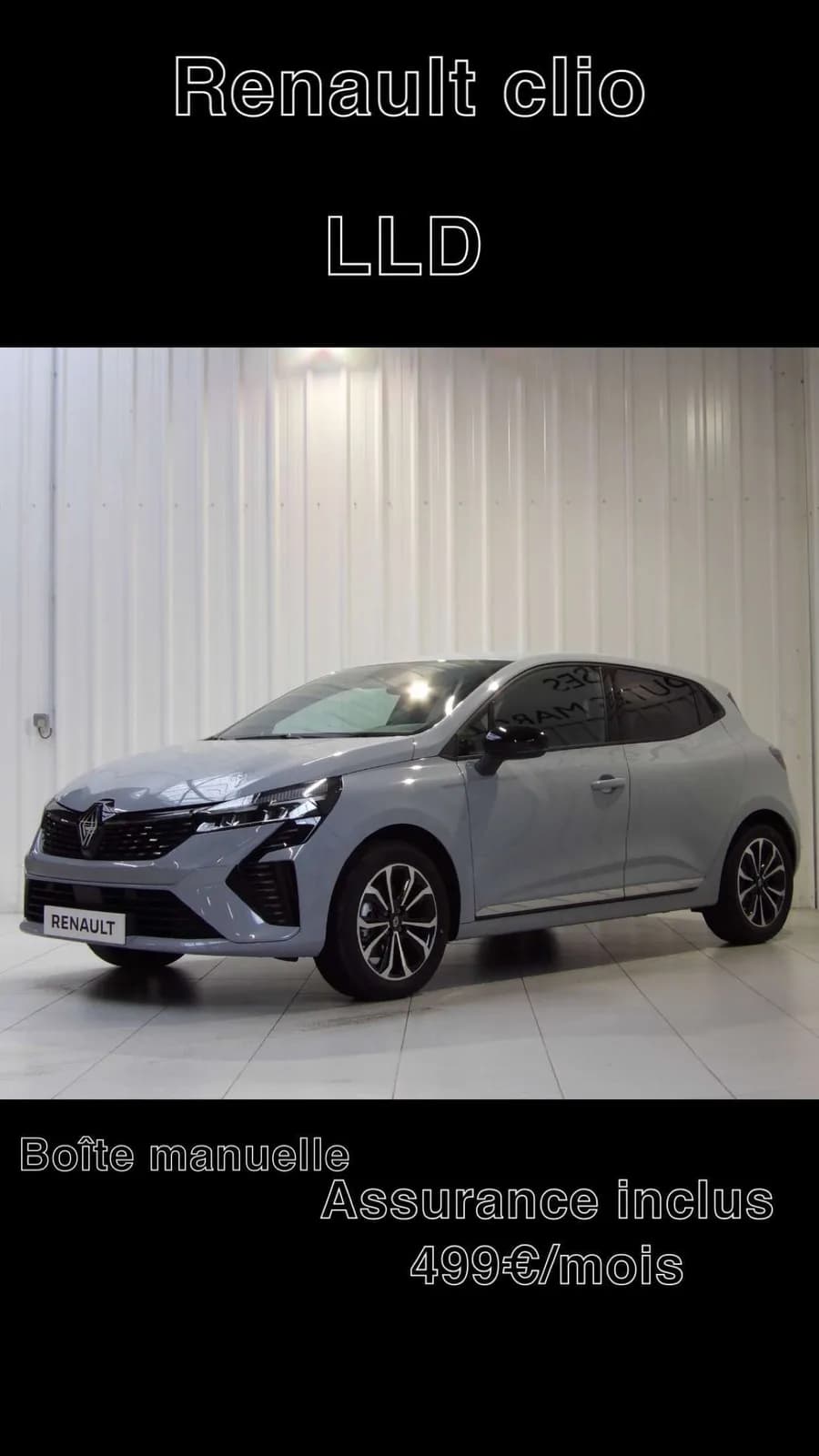
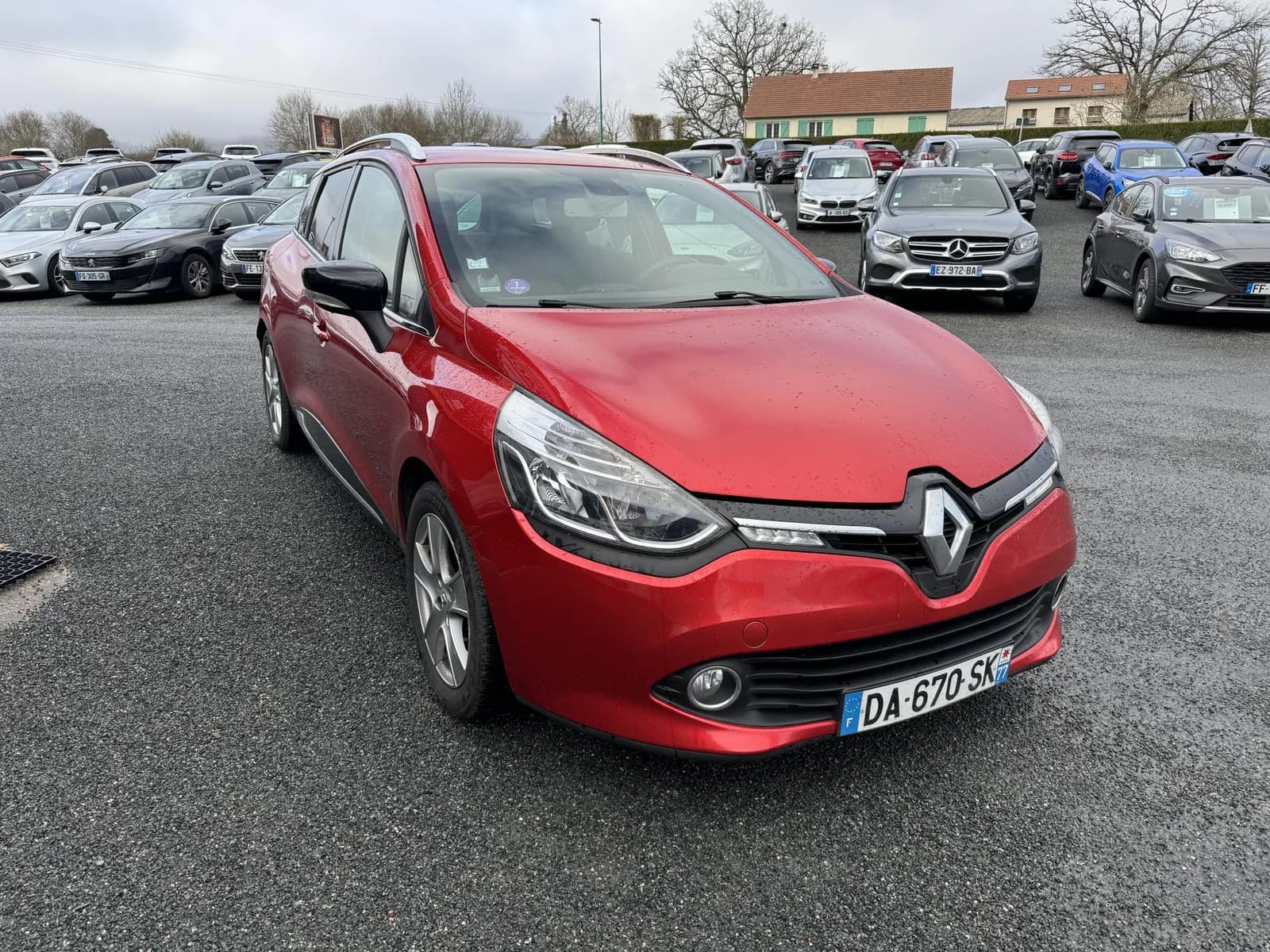
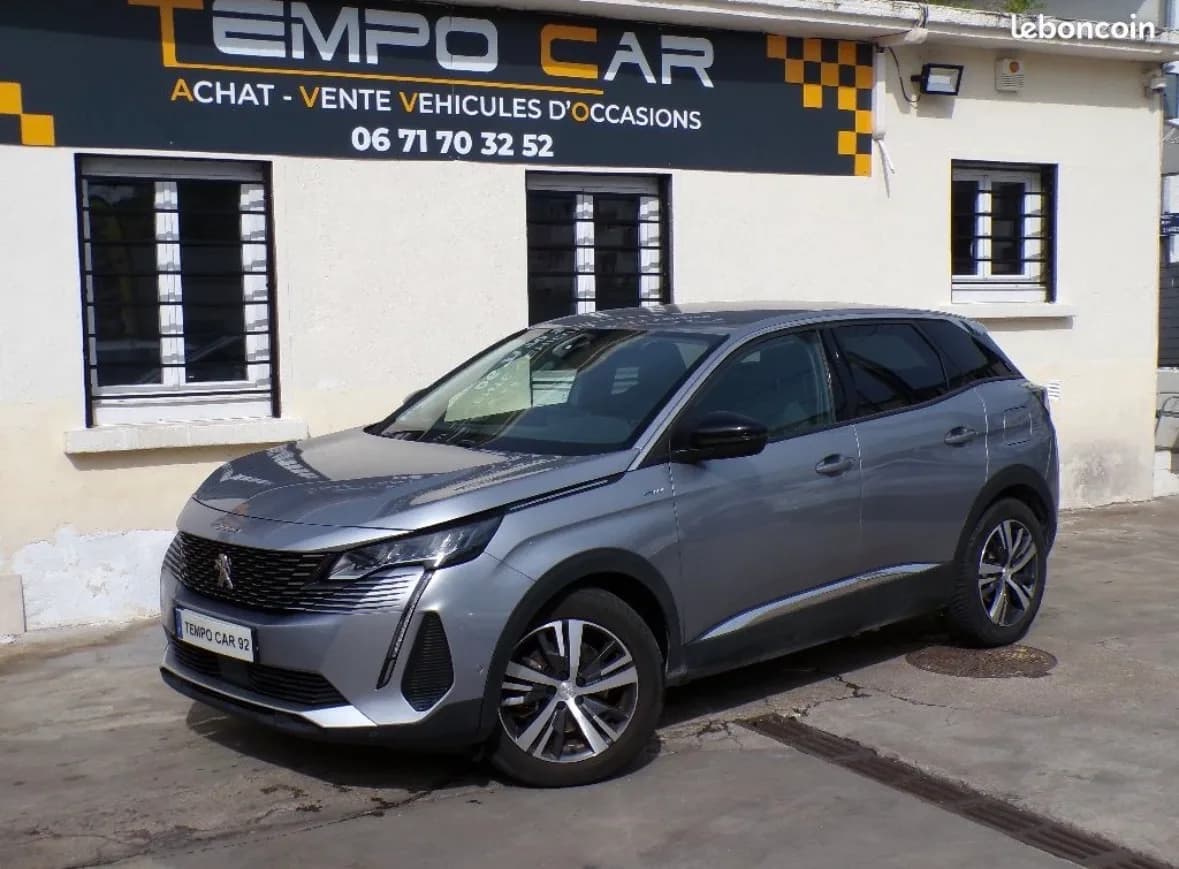
Professional rental providers
Only subscribed professional rental companies appear here, along with their public customer reviews.
Secure payment
No card details pass through LocaPro: payment is handled by our provider.
Contract and condition report
Every rental comes with a contract and a photo condition report, on both sides.
Your questions before booking
How Locapro works and which terms to check with the owner.
Do I need an account to book?
No. Enter your contact details during the booking process. Keep your emails and tracking link to find your request and any actions you need to complete.
When is my booking confirmed?
Submitting a request does not confirm a booking. Its status depends on document approval and any required payment. Check your tracking link and wait for confirmation before considering the vehicle booked.
When and how do I pay?
It depends on the vehicle: online payment or payment directly to the owner. The booking process explains what to do. If documents need approval before online payment, a payment link is sent after they are approved.
Is the security deposit included in the price?
No. The security deposit is a separate guarantee. Its amount and collection method depend on the vehicle and the owner’s terms. Check the vehicle details before booking.
Which documents should I prepare?
The owner sets the document requirements, which can vary by vehicle. Check the vehicle details and then the Documents step, which distinguishes required and optional documents.
Can I cancel my booking?
Cancellation and refund options depend on the owner’s terms and your booking status. Check them on the vehicle page and before confirming your request. Then use your tracking link or contact the owner.
Do you rent out vehicles?
List your fleet on LocaPro and receive booking requests from customers near you.